
How Students Can Check Their NSFAS Updates Using USSD in South Africa
The NSFAS status tells you whether your funding application has been received, processed, approved, or declined. Students often wait anxiously for updates, but you don’t always need internet access to check. While many rely on the Track Nsfas status the USSD method allows you to confirm your status straight from your phone in just a few minutes.
How to Check Your NSFAS Status via USSD
The USSD system is designed for students who may not always have access to data or Wi-Fi. Here are the steps:
- Open the phone dialer.
- Dial *120*67327#.
- Press the call button.
- Wait for the NSFAS menu to appear.
- Select the option related to application status or student information.
- Enter the requested details.
- Follow the prompts shown on the screen.
- Read the response sent through the USSD session.
The exact menu options can change as NSFAS updates its digital services, so students should follow the options displayed on their screen rather than relying on an old menu sequence.
What Students Can Check Through NSFAS USSD
The USSD service provides a convenient channel for NSFAS-related enquiries. NSFAS has previously confirmed that applicants can use the code to track application status.
Students may use the service to:
- Check application-related updates
- Track the progress of an NSFAS application
- Access student service information
- Get guidance for NSFAS enquiries
- Use a phone-based option without internet access
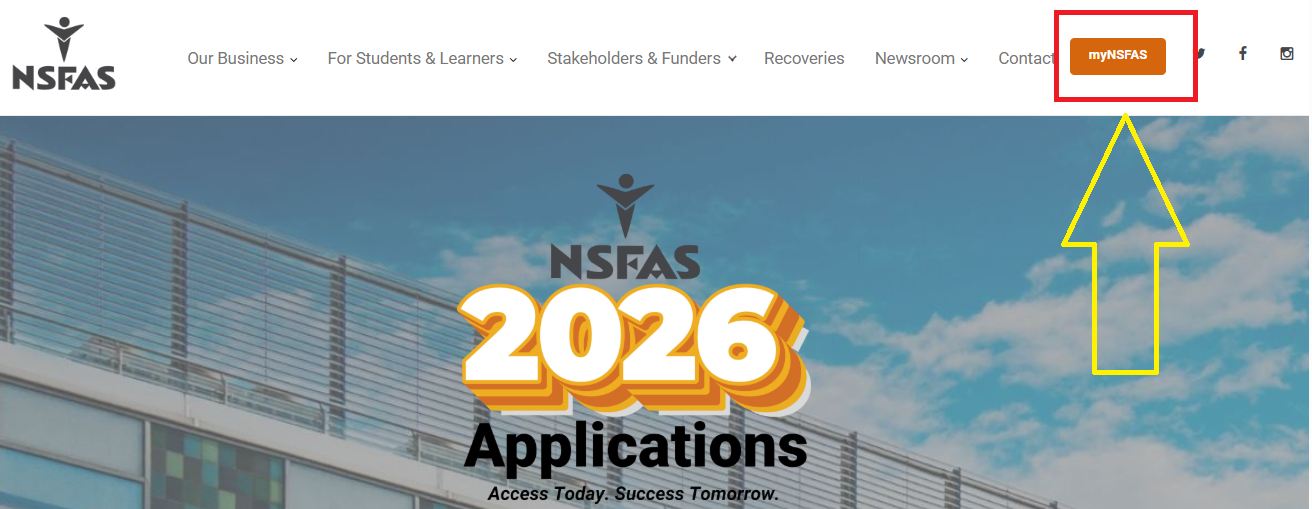
For detailed application information, the myNSFAS portal remains another option. NSFAS currently advises applicants to monitor their myNSFAS accounts for updates linked to application status and missing documents.
Benefits of Using USSD for NSFAS Status
-
No data needed – Works without internet.
-
Instant response – No waiting for emails or website delays.
-
Accessible – Available on basic cellphones, not just smartphones.
-
Convenient – Check your status anywhere, anytime.
Try Another Method: If your NSFAS status does not show, then you can try another method, which was officially introduced by NSFAS.
Common Issues Students Face
-
Dialing the wrong USSD code (always use 12067327#).
-
Entering an incorrect ID number.
-
Checking too early before NSFAS updates the database.
If your status does not update, try again after a few days or contact NSFAS through their call centre.
What to Do After Checking Your NSFAS Status
A USSD response may show that your application needs further action. Read the message carefully and check your myNSFAS account for additional instructions.
For example, NSFAS currently advises applicants to monitor their accounts for missing-document notifications. Students who receive a request for supporting documents have a specified period to submit the requested files.
Students should:
- Check their NSFAS account regularly.
- Submit requested documents through the official portal.
- Keep their cellphone number and email address updated.
- Save important NSFAS messages.
- Check their application status after making changes.
- Contact NSFAS support for unresolved account problems.
The NSFAS USSD status check is a quick and reliable way for students to stay updated on their funding applications. Since age is a deciding factor, students between 18 and 35 are the main beneficiaries. By using USSD, you don’t need to rely on internet access, making it the most practical option for many South Africans.

- NSFAS Fraud Warning: How to Spot NSFAS Scams - September 28, 2026
- NSFAS Allowances Explained - September 28, 2026
- NSFAS Contact Details - September 26, 2026